Switching dog grooming software: a step-by-step checklist
Want to see how Petovia handles this? Switching →
Many groomers stay for years with software they don't like, because switching feels risky. What if you lose clients, or can't take bookings for a week? With a bit of preparation it's easier than it sounds. This checklist walks you through it.
Why groomers switch
- The software was built for hair or beauty salons, not for dogs and their coats.
- Clients can't book online themselves, or booking is clumsy.
- Reminders cost extra or don't work well.
- The price keeps rising, or you pay per staff member or per message.
- It's hard to get your own data out.
What to look for in new software
- Can each treatment have its own length and price, including by size or breed?
- Can clients book online 24/7, and can you add phone and WhatsApp bookings to the same calendar?
- Do reminders go out automatically?
- Can you record notes, behaviour and vaccinations per dog?
- Can you export your clients yourself, so your data stays yours?
- Will the supplier help you move over?
Step by step
- Export your clients and pets from your current system, usually as an Excel or CSV file.
- List your treatments with their length and price, and your opening hours.
- Pick a quiet week to switch and set up the new calendar.
- Move the coming weeks' appointments over, so nothing gets double-booked.
- Replace your booking link on your website, Instagram and Google profile.
- Tell your clients to use the new link from now on.
- Only cancel your old subscription once everything works.
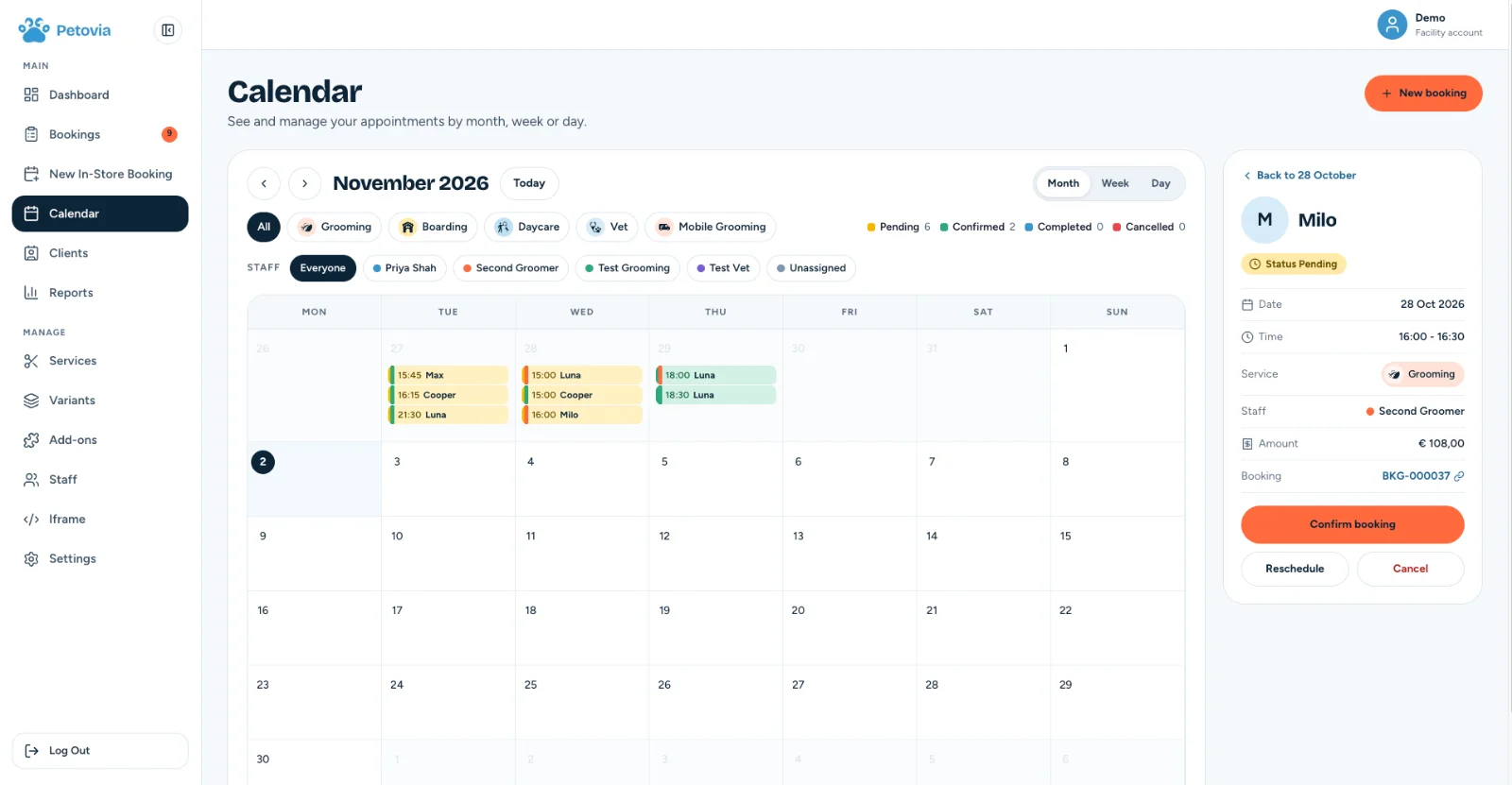
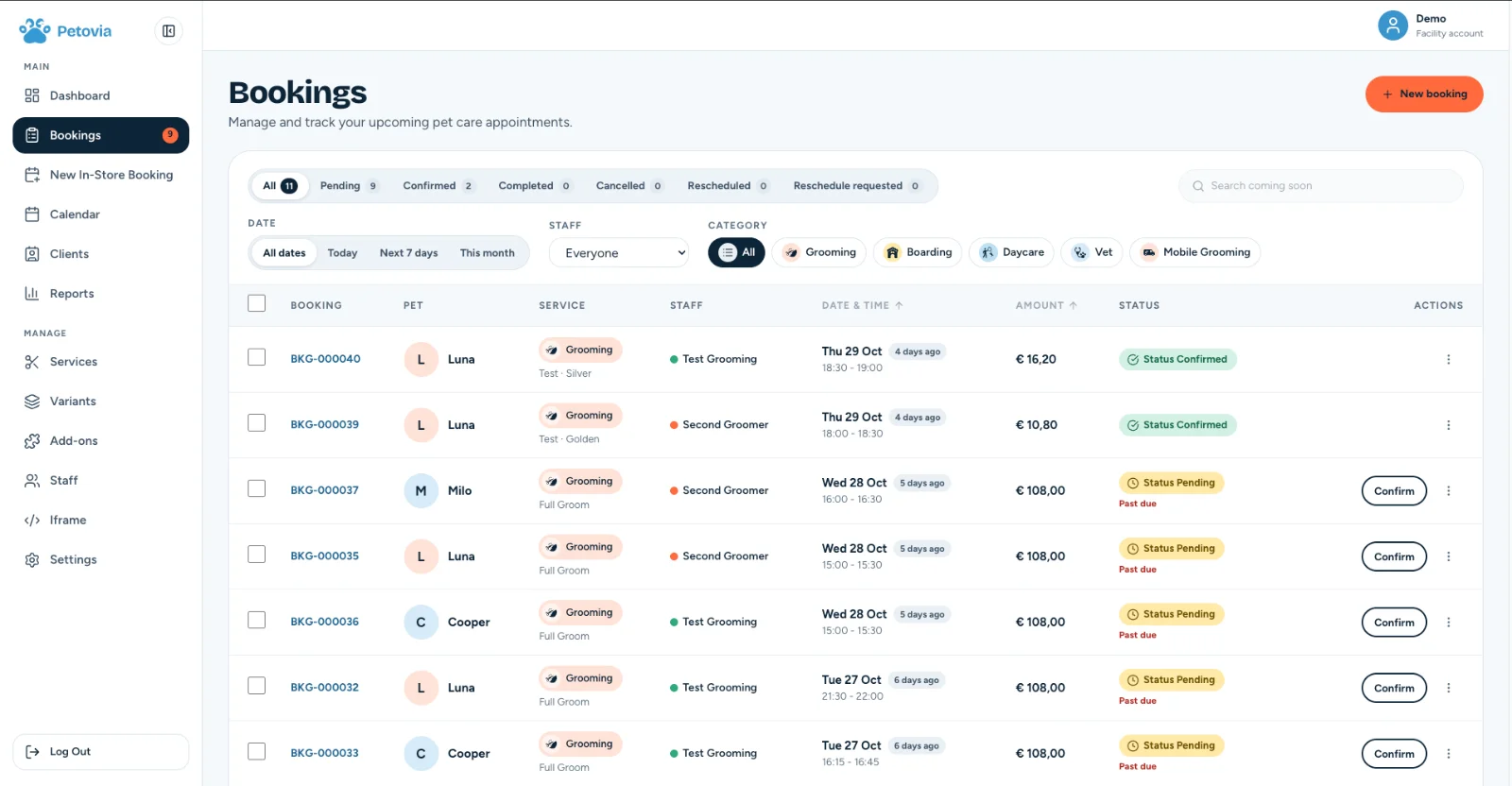
Switching to Petovia
We move your clients and their dogs over for you, free of charge, from another system, a spreadsheet or even a notebook. You can export your clients and pets yourself at any time afterwards: your data stays yours. Book a short demo and we'll look at how it works for your salon.
Frequently asked questions
Will I lose clients if I switch grooming software?
Not if you export your client list and bring it with you. At Petovia we move your clients and dogs over for you, free of charge.
How long does switching take?
With an export of your clients it usually takes days, not weeks. Switch in a quiet week and keep your old system until everything works.
What if my old software has no export?
Ask the supplier for an export: your data belongs to you. If that fails, a list or photos of your client cards can be used instead.
Try Petovia for your business
See how Petovia works for you in a short demo, or start right away.